


Welding Simulator is a VR/AR-based vocational training simulator that delivers a realistic training environment with a highly precise mask and torch motion tracking system, supporting SMAW, MIG/MAG, TIG, and FCAW welding processes.
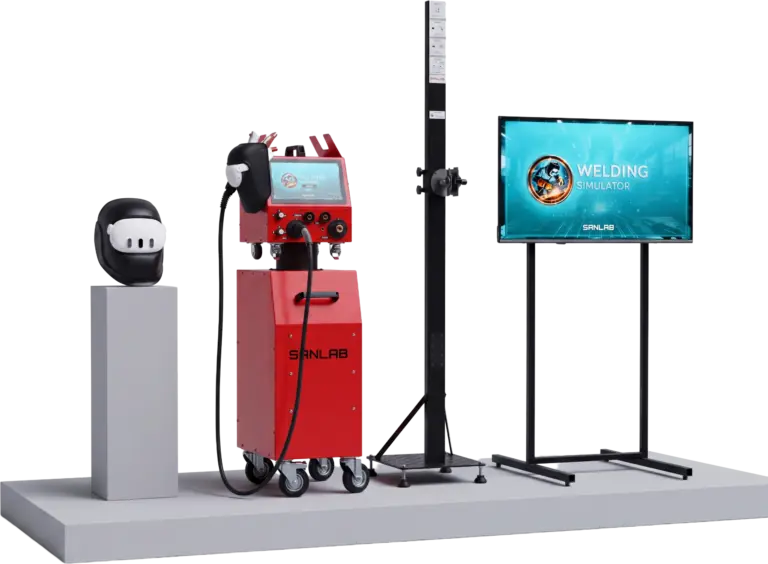
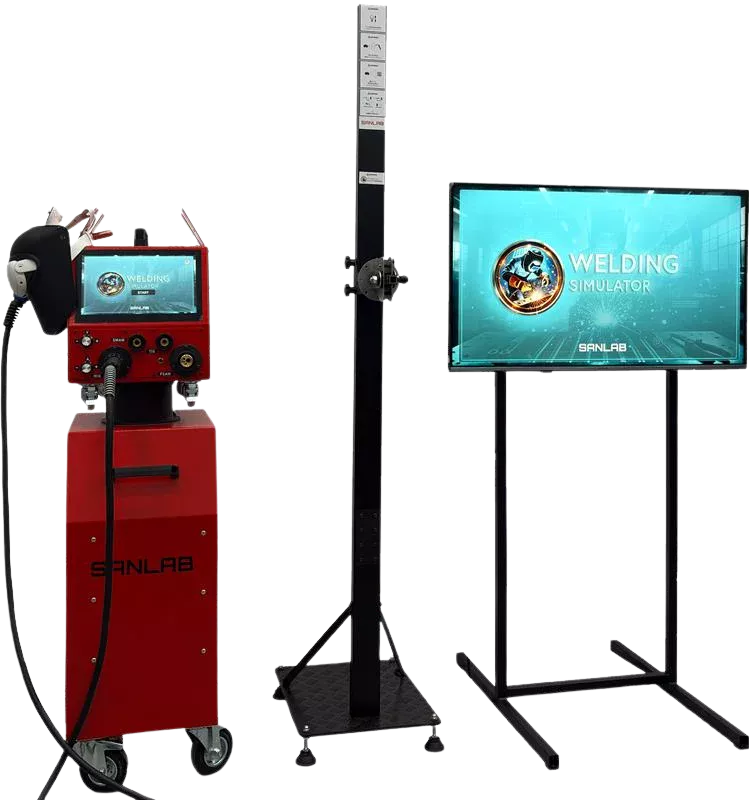
SANLAB combines deep expertise in robotics and simulation with a customer-focused approach to deliver industry-leading vocational training simulators. Welding Simulator provides a realistic training environment powered by VR and AR technologies, offering realistic training with a highly precise mask and torch motion tracking system. Designed to support skill development in SMAW, MIG/MAG, TIG, and FCAW welding processes.
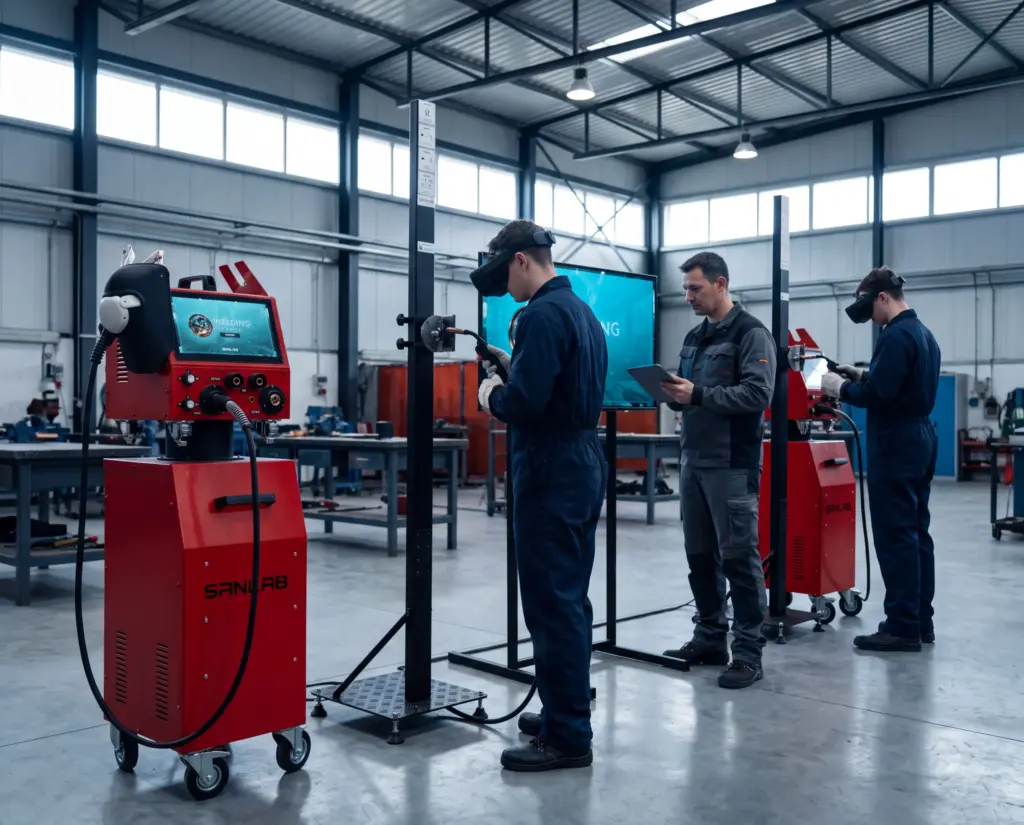
A welding simulator is a training system where the trainee holds a real torch and welds a virtual workpiece while the system measures the movement in real time. SANLAB designs and manufactures its own simulators, and the SANLAB welding simulator is a VR/AR-based vocational training simulator for SMAW, MIG/MAG, TIG and FCAW welding. The All-in-One and WeldGO configurations are built around four real torches and a highly precise mask and torch motion tracking system.
The system comes in three configurations, so a vocational school, a training center or an industrial training department can match it to the training setting they work in. It sits alongside the rest of our workforce development simulators. SANLAB as a simulator manufacturer builds robotics and simulation systems, which means the hardware and the software come from one source.
One Platform,
Three Configurations
From a full training station to software only deployment choose the setup that fits your facility, budget, and class size.
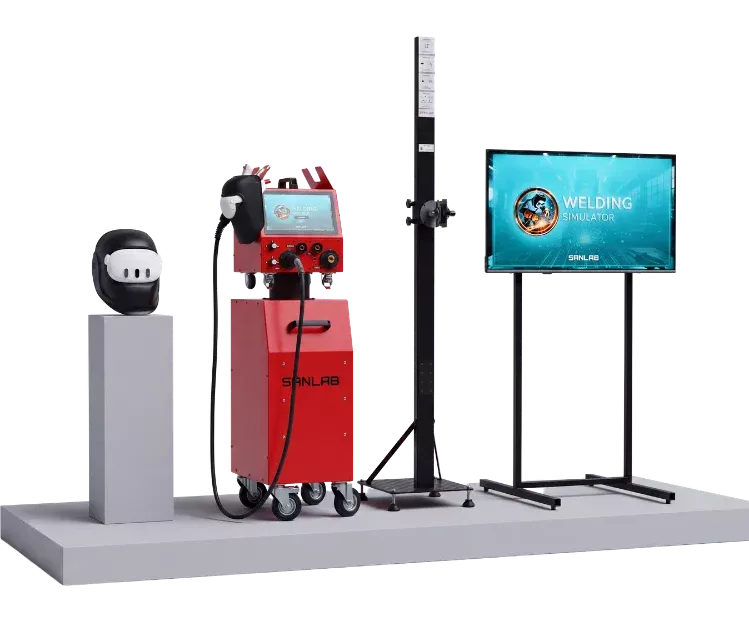
Experience full-scale welding training with VR, real torches, and interactive feedback—all in one compact simulator.
Compact welding simulation software powered by VR, ideal for immersive training in classrooms and workshop environments.
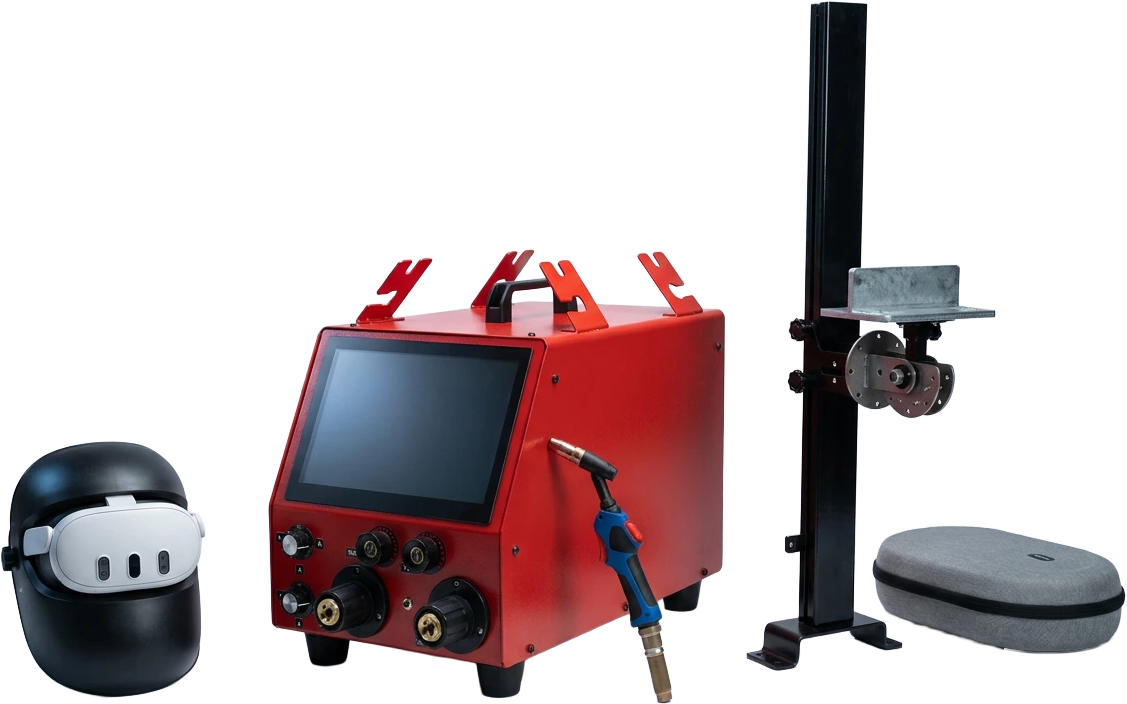
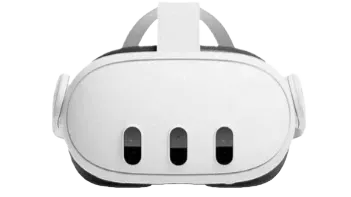
A compact VR welding simulator designed for flexible, hands-on training—ideal for classrooms, workshops, and on-site field use.
SANLAB offers three configurations. The All-in-One Welding Simulator is a compact simulator for full-scale welding training, WeldSoft is welding simulation software for classrooms and workshop environments, and WeldGO is a portable VR simulator for classrooms, workshops and on-site field use.
| Configuration | What it is and where it is used |
|---|---|
| All-in-One Welding Simulator | Full-scale welding training with VR, real torches and interactive feedback in one compact simulator |
| WeldSoft Software-Only Welding Simulator | Compact welding simulation software powered by VR, for immersive training in classrooms and workshop environments |
| WeldGO Portable VR Welding Simulator | A compact VR welding simulator for flexible, hands-on training in classrooms, workshops and on-site field use |
Three questions usually settle the choice. Will the simulator stay in one fixed welding workshop, or move between classrooms and sites? Which of the four processes, SMAW, MIG/MAG, TIG or FCAW, does your curriculum have to cover, and at how many stations? How many trainees have to pass through the station in one shift? Send those answers with your room dimensions and trainee numbers, and request a quote for a welding simulator so the configuration is priced against your actual setup.
On the All-in-One and WeldGO, trainees practice SMAW, MIG/MAG, TIG and FCAW with four real torches rather than a game controller. A highly precise mask and torch motion tracking system follows the mask and the torch, so torch grip, work distance and angle are trained the way they are used at the bench. WeldSoft is the software-only configuration and does not include the torch set.
Because the trainee holds the same torch body used in the booth, the muscle memory being built is torch handling, not controller handling.
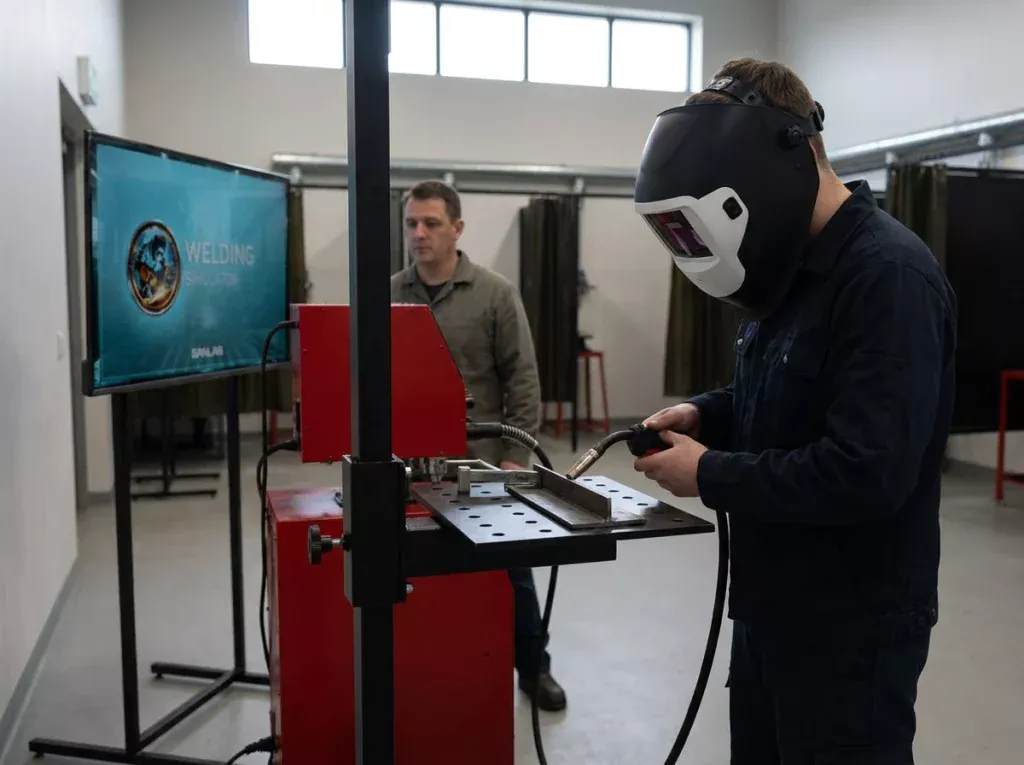
The simulator performs real-time analysis of position, distance, speed and angle, runs defect analysis for porosity, spatter and penetration, and records the session with video playback and a scoring system. The trainee sees the error in the recording instead of hearing about it after the fact, and the instructor does not have to stand over every booth.
Because every run is recorded and can be played back, an instructor can review a trainee’s attempt after the shift instead of judging it in the moment.
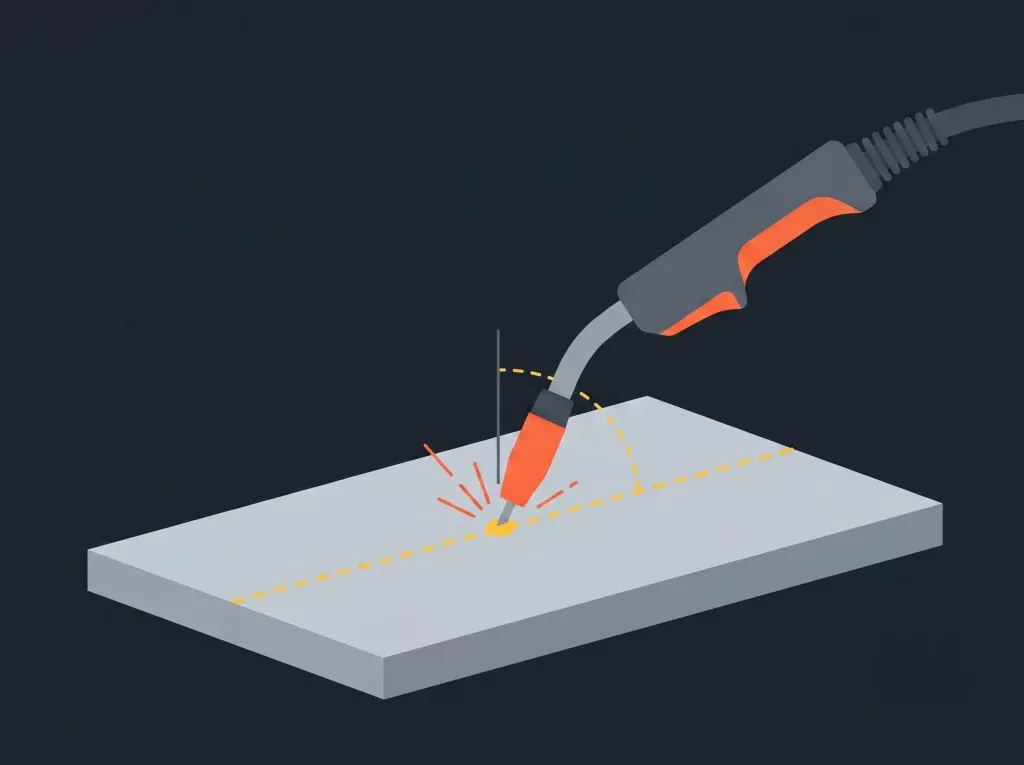
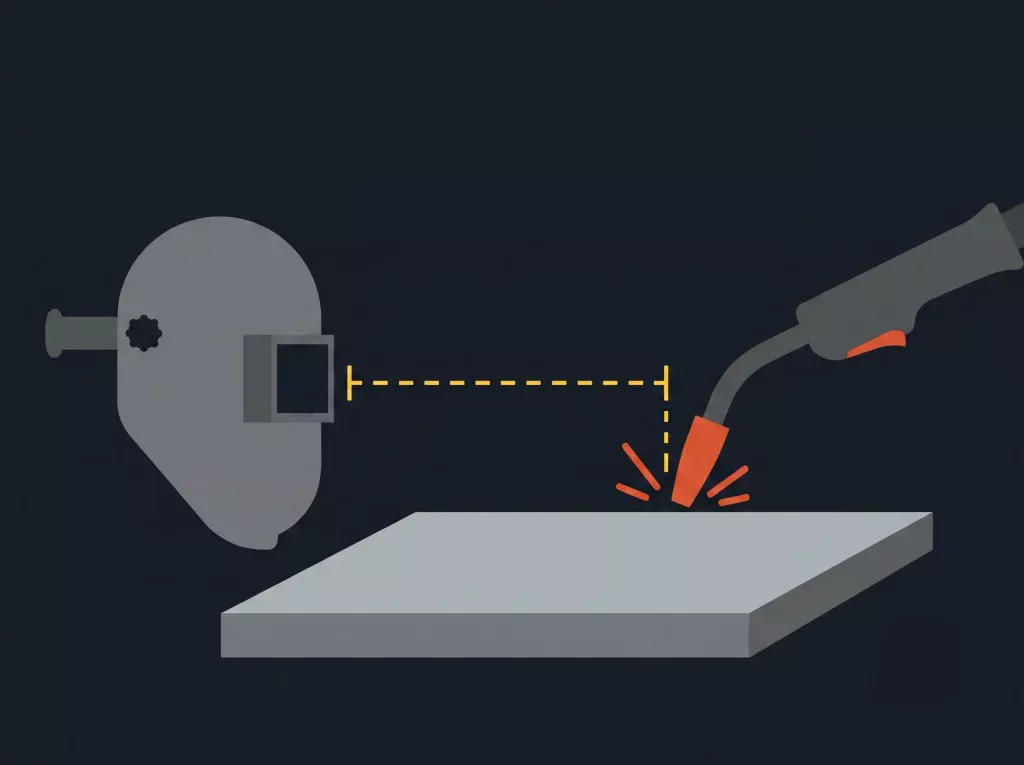
No simulator replaces the real arc. What it changes is the cost and the risk of the first hours: basic torch control, distance and angle habits can be built on the simulator, while the practice that leads to a certificate test is completed on real steel with real heat and real fumes. The simulator makes the repetition affordable.
Used this way, the simulator sits in front of the booth, not instead of it. The same logic runs through our painting simulator, where spray technique is practised before the first coat reaches a real panel.
Welding Simulator supports vocational and industrial training across a wide range of sectors. Trainees build real welding technique on a realistic VR/AR station with a highly precise mask and torch motion tracking system — without consuming material, without exposure to arc, fumes, or sparks — so instructors get consistent, measurable progress across every process, position, and skill level.
Yes. The WeldSoft Software-Only Welding Simulator is offered as compact welding simulation software powered by VR, intended for classrooms and workshop environments. It does not include the four real torches or the mask and torch tracking hardware; those come with the All-in-One and WeldGO.
SMAW, MIG/MAG, TIG and FCAW. The All-in-One and WeldGO include 4 real torches, one for each of these processes.
On the All-in-One and WeldGO, a real torch. The simulator tracks the mask and the torch with a highly precise motion tracking system, so the trainee’s grip, distance and angle are what it measures. WeldSoft is software-only and does not include the torch set.
Through real-time analysis of position, distance, speed and angle, plus defect analysis for porosity, spatter and penetration. Each session is recorded, can be played back as video, and is scored.
SANLAB does not publish prices. Cost depends on the configuration you choose and the number of stations you need, so quotes are prepared per project. Send your requirements through the contact form to get a figure.
Tell us which configuration you are considering, how many trainees you need to put through it, and the room or site where it will run. The SANLAB engineering team will come back with a configuration and a price for your program: request a quote for a welding simulator. If the same program also trains machine operators, ask about our heavy equipment operator simulators in the same message.