

The Tower Crane Simulator trains operators on a high-top tower crane in immersive VR or on dual screens. It combines practical exercises, instructor monitoring and measurable results in one training and assessment system.
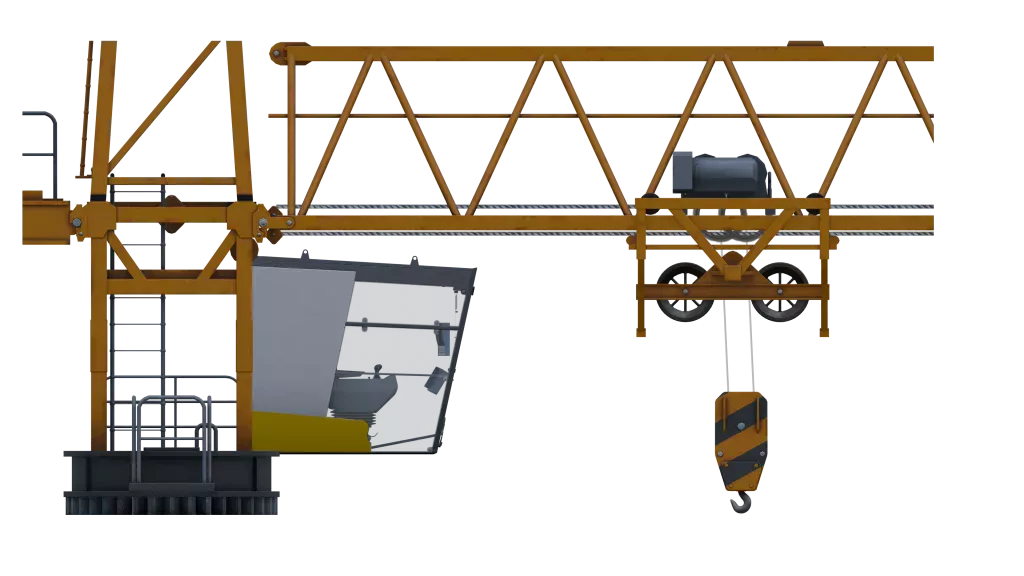
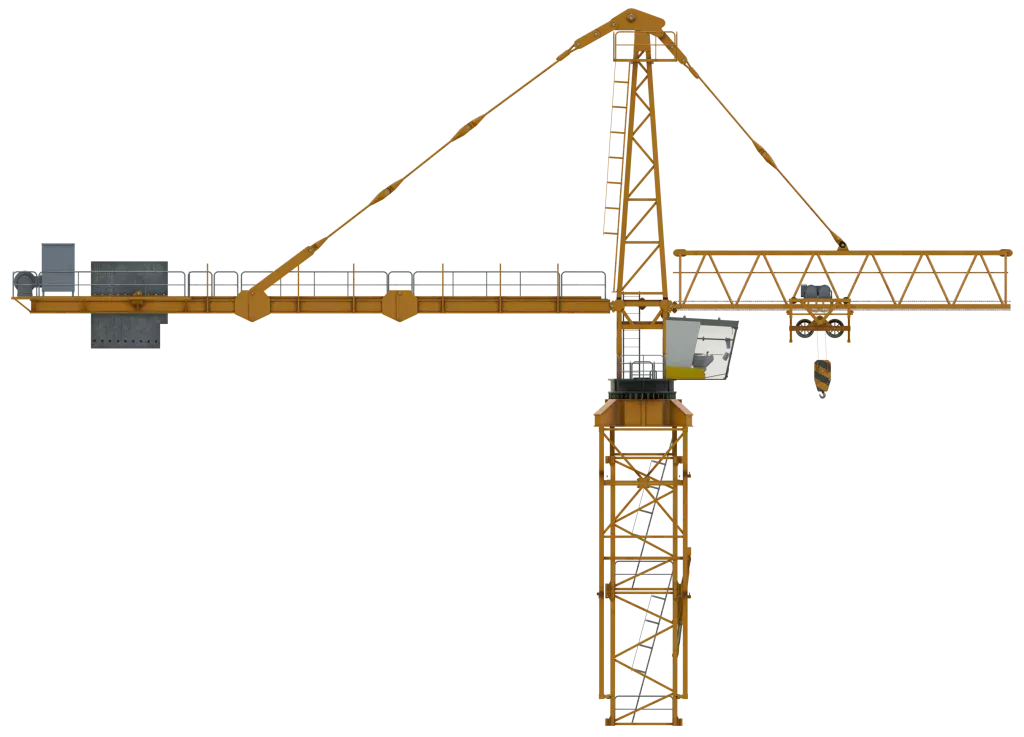
Tower Crane Training Simulator recreates the operator environment of a modern hammerhead / high-top tower crane from a well-known manufacturer. Detailed cab and worksite visuals, machinery and hoist audio, and structured exercises from startup to shutdown prepare operators for real lifting tasks. VR and dual-screen modes run from the same installation, and every session is scored for instructor review.
Training follows four structured exercises that take operators from crane startup to a safe shutdown. Each stage builds control of slewing, trolley and hoist movements while keeping the load inside designated areas.
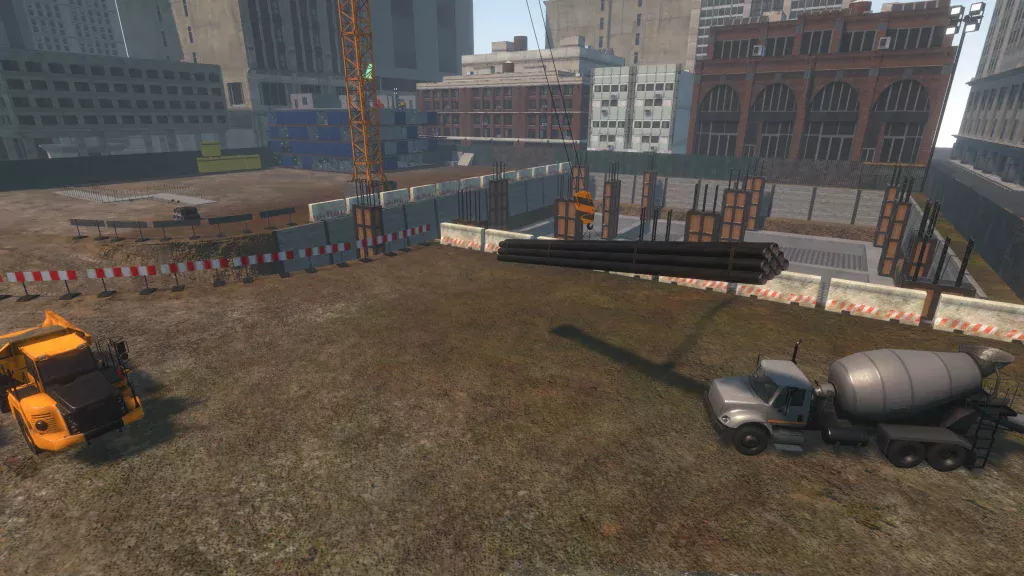
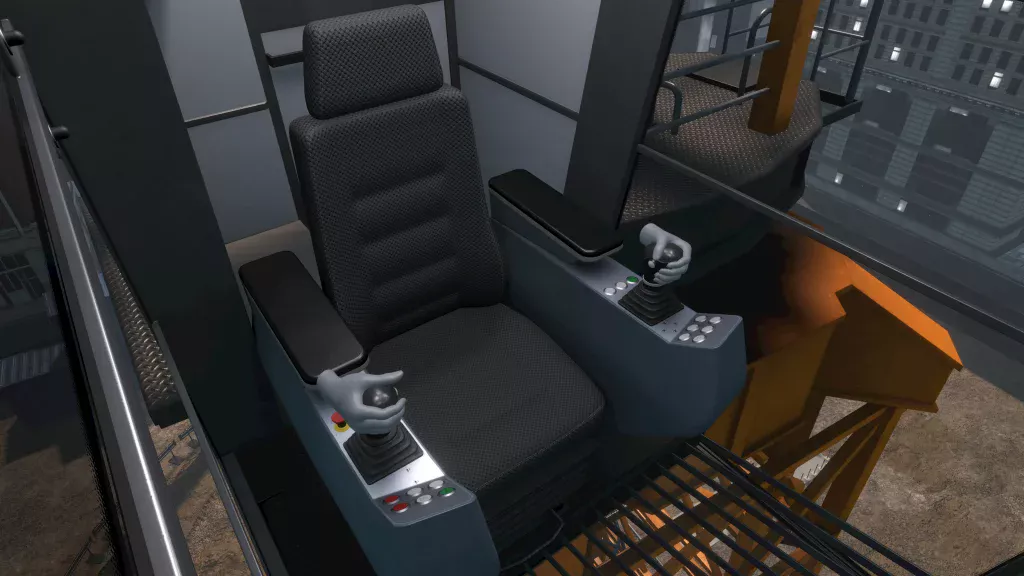
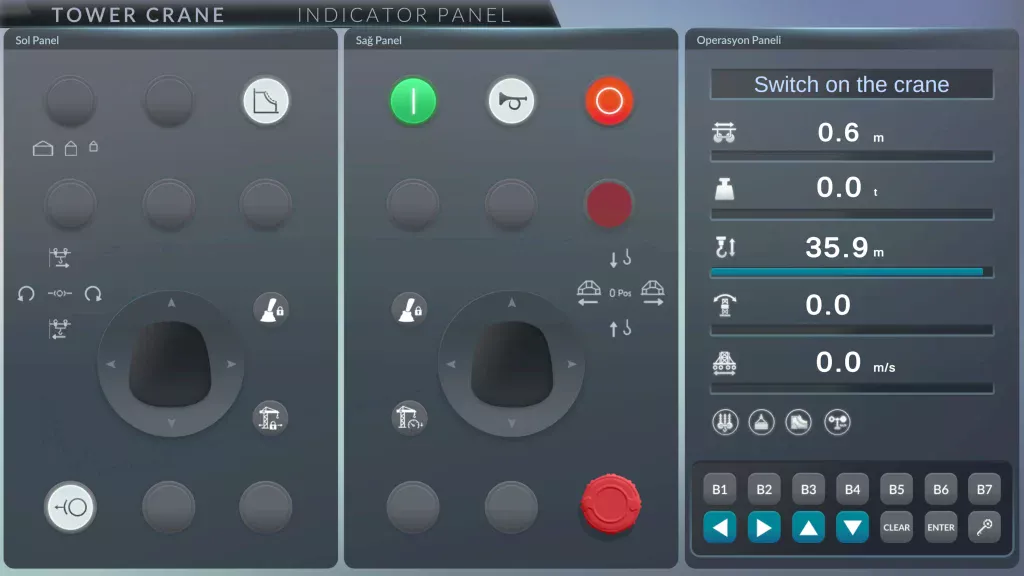
Operators begin with the Emergency Stop and crane-start sequence, then warm up on the controls.
Next, they pick up a load, place it in Area 1, lift it again and set it down in Area 2, keeping it within the
designated areas throughout.
In the ZigZag stages, operators guide the load forward and in reverse, avoid barriers, keep the chains in
contact with the ground and touch down in the end circle. The exercise closes with a full shutdown:
trolley in, hook raised, controls off, Weathervane / Free Slew and Emergency Stop activated.
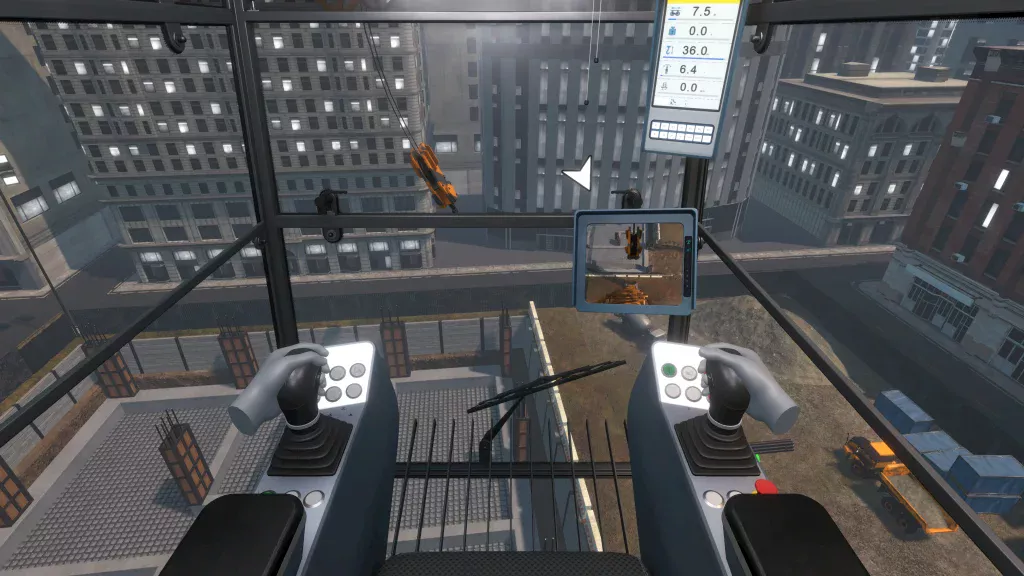
The same installation runs in immersive VR or in dual-screen non-VR mode. Training centers can
switch between headset sessions and screen-based sessions without setting up a second system
Operators control the crane with Vr headset controllers, joystick controls, keyboard input or a
configured joystick package, so each program can choose the control setup that suits its trainees.
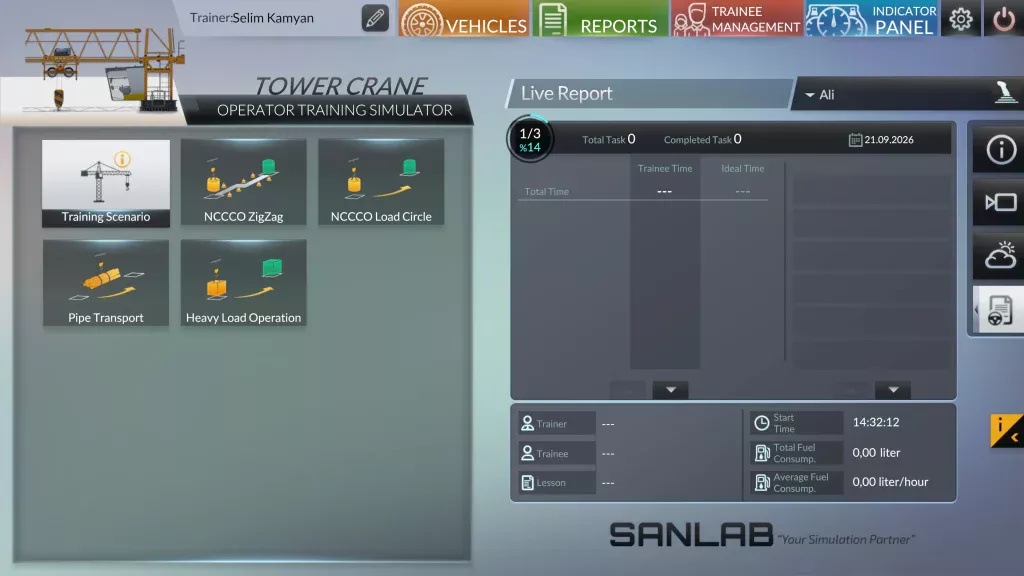
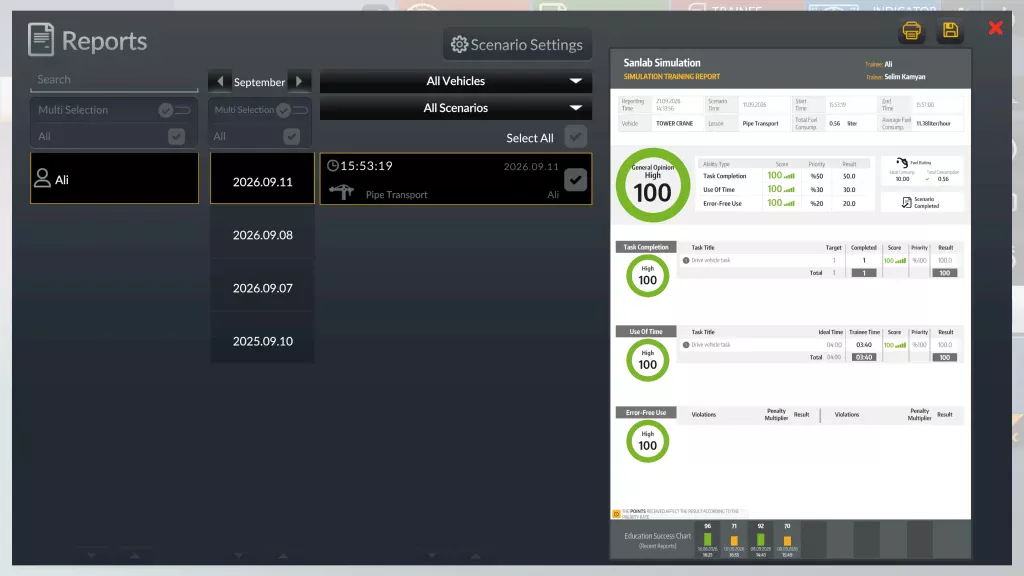
Instructors follow trainees live during operation. Trainee accounts keep the full training history, so
progress can be reviewed over time and trainees can be compared side by side.
Local LMS integration and exportable training results carry simulator data into existing training records
and assessment workflows.
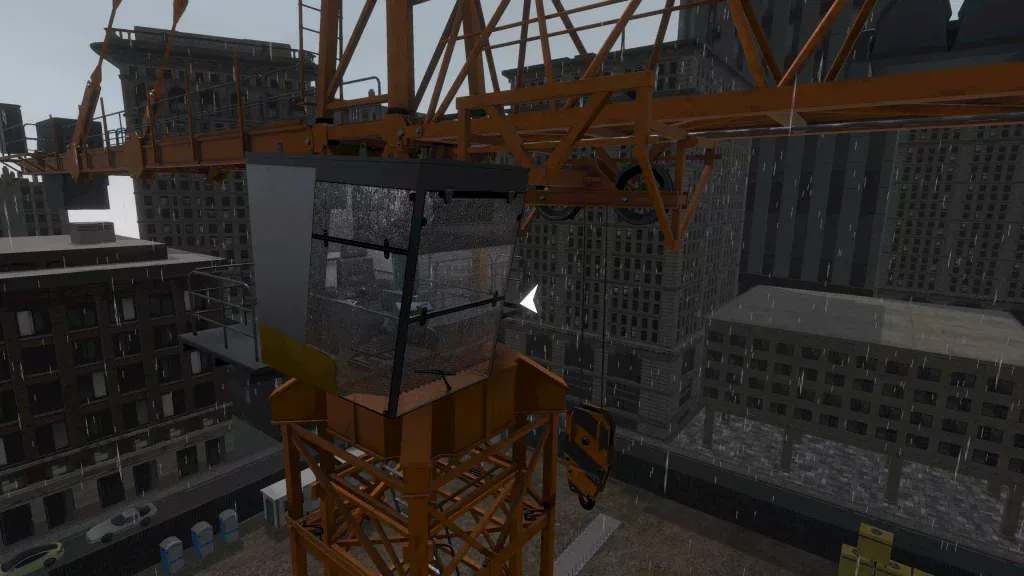
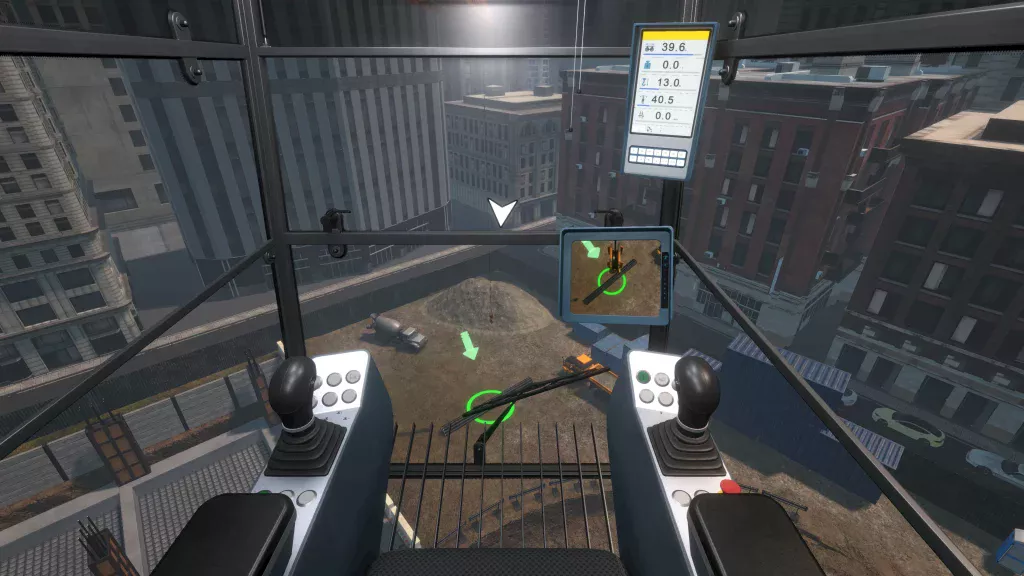
The operator environment includes the safety systems trainees must master on a real crane: overload
warning, Emergency Stop, deadman control and the Weathervane / Free Slew procedure.
Overload and heavy-load warning events are logged in every session, so instructors can correct unsafe
habits early in training.